Profile and personalization
Review the active profile, completion, birth facts, My Charts, personalization, and links to Birth Details and Settings.
Questions this guide answers
- Why do I need a profile?
- What does personalization change?
- Where do I manage client lifecycle actions?
Before you begin
- At minimum, one birth profile.
Step by step
- 1
Confirm the active profile and completion
Check the selected name and completion status at the top of Profile. Use the global profile switcher when a different person's chart should be active.
Expected result: The intended person is active and the page shows whether required birth data is complete.
- 2
Review birth facts and My Charts
Check the birth-fact summary and My Charts preview before opening a chart-backed destination. Use the Birth Details link when a required fact needs correction.
Expected result: The visible birth facts belong to the active person and chart links are ready, or Birth Details is open for correction.
- 3
Add optional personalization
Add current location, relationship status, occupation, education, family arrangement, and preferred language only when they improve the intended guidance.
Expected result: The saved context reflects only relevant information you intentionally chose to provide.
- 4
Use the correct workspace for lifecycle actions
Use Profile for the active person's overview and personalization. Open Clients for search, groups, import, follow-up, consultation status, archive, sharing, or deletion.
Expected result: Profile edits stay separate from practitioner client-management actions.
Concept diagram
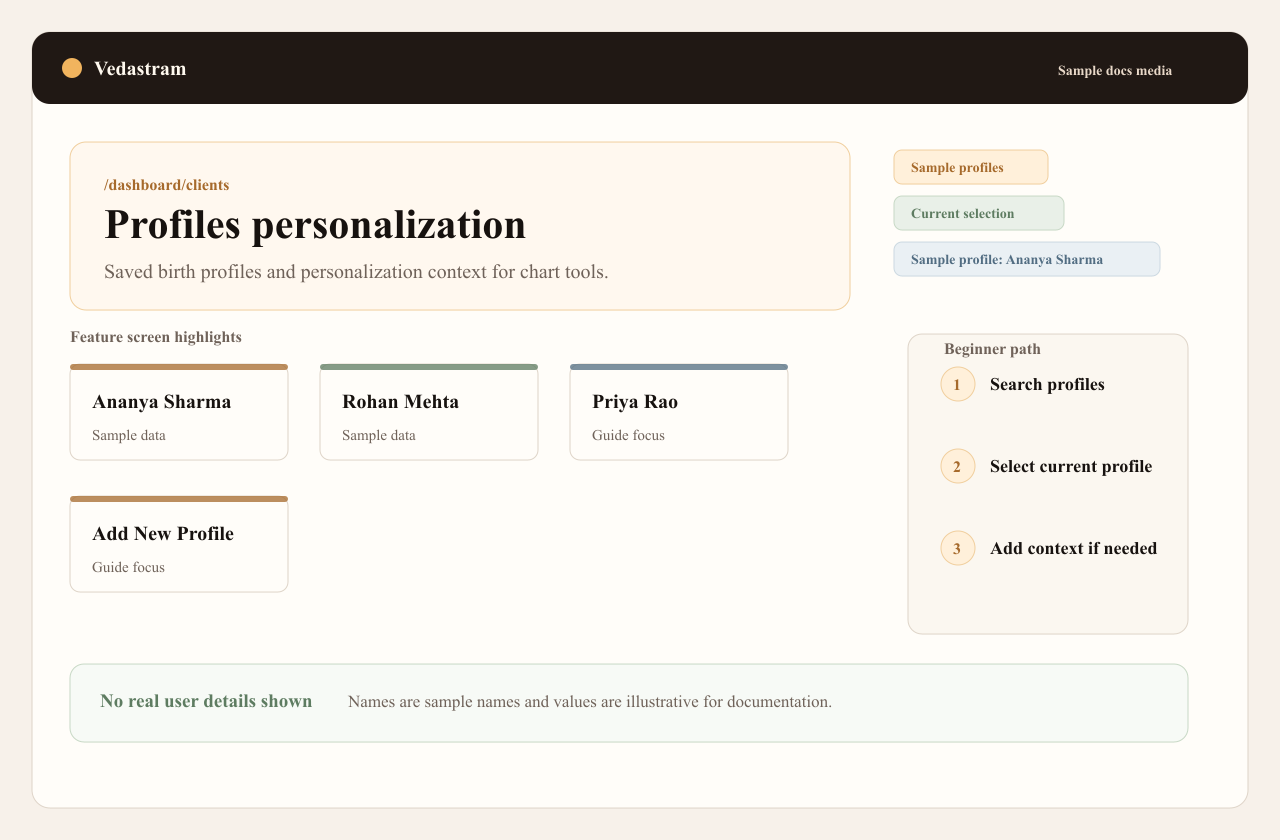
Why profiles matter
Each profile owns its birth chart and personalization context. Switching profiles changes all personalized chart tools.
Use sample names in demos and documentation. Real user names should not appear in docs screenshots.
Troubleshooting and recovery
The wrong person appears on Profile
Use the global profile switcher, select the intended person, and recheck the visible name and birth facts before opening a chart.
A profile is incomplete
Open Edit, complete the required birth data, save, and then return to the blocked chart feature.
Frequently asked questions
What changes when I switch profiles?
The active chart, dashas, compatibility context, personalized tools, and generated guidance all switch to the selected person.
Is personalization required?
No. It is optional context for more relevant guidance and can be edited or removed.
Where do I archive, share, or delete a client?
Use the Clients workspace. Those lifecycle actions are intentionally separate from the Profile and Personalization page.
Terms used in this guide
- Personalization
- Optional life context that helps generated reports focus on the right situation.
Did this guide help you complete the task?
Owner: Vedastram Product Education